Zoho Manufacturing Software: Complete Guide for Manufacturers
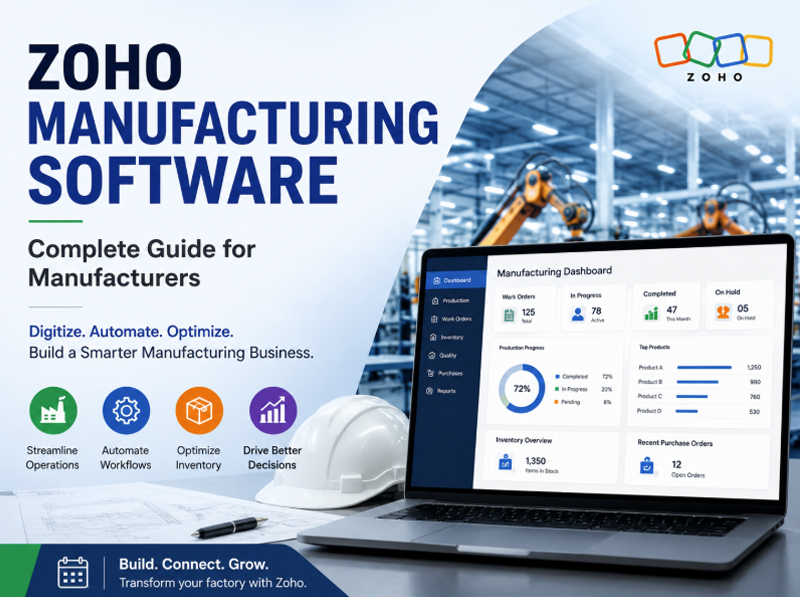
Manufacturing businesses are moving away from spreadsheets, disconnected applications, and manual processes toward integrated digital systems. Zoho manufacturing software can help manufacturers build a more connected environment for managing business operations, production information, purchasing, inventory, and reporting.
For businesses looking for flexibility, Zoho Creator can also be used to develop customized applications around specific manufacturing processes. Zoho's own manufacturing examples demonstrate how Creator can support applications for production monitoring, procurement, inventory tracking, vendor management, and other operational workflows.
What Is Zoho Manufacturing Software?
Zoho manufacturing software refers to manufacturing solutions created using Zoho's business applications and platforms to support the operational requirements of manufacturers.
Depending on the organization's requirements, a manufacturing environment can combine standard Zoho capabilities with customized applications built using Zoho Creator .
Important areas that can be addressed include:
- Production and operational data management
- Manufacturing planning and execution
- Procurement and supplier processes
- Inventory visibility
- Quality-related workflows
- Management reporting
- Business process automation
- Integration between different business functions
This approach can be particularly useful for manufacturers whose processes are more specialized than the standard workflows offered by traditional business software.
Why Manufacturers Need a Connected Software System
Many manufacturing businesses still depend on spreadsheets, email approvals, paper records, and multiple independent applications. As operations grow, these methods can make it difficult to maintain accurate and timely information.
A connected manufacturing system can help create a common source of operational information.
Common Challenges in Manufacturing
Manufacturers may experience:
- Delays in updating production information
- Limited visibility into ongoing jobs
- Difficulty coordinating purchasing and production
- Manual data entry between departments
- Inconsistent operational records
- Delayed management reports
- Difficulty identifying process bottlenecks
Digital workflows can reduce unnecessary handoffs by allowing information to move between connected processes automatically.
How Zoho Can Support Manufacturing Digitalization
A major advantage of the Zoho ecosystem is its flexibility. Businesses can select applications according to their requirements instead of treating every organization as having the same operational model.
For manufacturers, this can mean creating a connected environment covering different departments.
Production and Operations
Manufacturing teams can use digital applications to record operational information, monitor activities, and provide managers with better visibility into ongoing work.
Zoho Creator can also be used to create customized manufacturing applications when a company requires workflows specific to its operations. Zoho has documented manufacturing implementations where Creator was used to develop end-to-end platforms and connect different participants in the manufacturing process.
Procurement and Supplier Management
Purchasing is closely connected with manufacturing performance. Delayed materials can affect production schedules, while poor supplier visibility can increase operational risks.
A digital procurement workflow can help businesses:
- Track purchasing activities
- Organize supplier information
- Monitor procurement status
- Manage approvals
- Improve purchasing visibility
Zoho Creator also provides manufacturing-oriented procurement capabilities and vendor management use cases.
Data and Management Reporting
Manufacturing managers need timely information to make decisions. Instead of waiting for manually prepared spreadsheets, businesses can create dashboards and reports based on operational data.
Useful management indicators can include:
- Production progress
- Order status
- Material availability
- Procurement status
- Quality exceptions
- Operational performance
- Cost-related information
Zoho Creator for Customized Manufacturing Applications
Not every manufacturer operates in the same way. One company may require a simple production tracking application, while another may need a more complex workflow involving multiple departments, approvals, suppliers, and production stages.
Zoho Creator provides a low-code approach for building customized applications. Applications can be developed from scratch, customized around business requirements, and deployed across web and supported mobile environments.
This makes it possible to create manufacturing applications that reflect an organization's actual processes instead of forcing teams to change everything to match generic software.
What to Consider Before Choosing Manufacturing Software
Before implementing a Zoho manufacturing ERP or customized manufacturing application, businesses should evaluate their current processes.
Key Questions to Ask
- Which manufacturing processes are currently manual?
- Where does production information originate?
- How are materials and purchasing activities tracked?
- Which departments need access to the same information?
- What reports do managers need?
- Which existing applications need integration?
- What processes should be automated?
- How much customization will be required?
A proper process assessment can help determine which Zoho applications and custom components are appropriate.
Benefits of a Zoho-Based Manufacturing Solution
A well-designed manufacturing system can provide several operational benefits:
- Better visibility: Managers can access more current operational information.
- Reduced manual work: Automated workflows can reduce repetitive data entry.
- Improved coordination: Departments can work from connected information.
- Greater flexibility: Custom applications can be adapted to specific processes.
- Scalable operations: Businesses can expand applications as their requirements evolve.
- Faster decision-making: Dashboards and reports can make important information easier to access.
How to Implement Zoho Manufacturing Software
Successful implementation requires more than simply installing software. Businesses should first document their existing processes and identify areas that need improvement.
A practical implementation approach is:
- Analyze business requirements
- Map existing manufacturing processes
- Identify automation opportunities
- Select suitable Zoho applications
- Develop required custom workflows
- Integrate existing business systems
- Test the application
- Train users
- Launch the solution
- Continuously improve the system
Zoho Creator also supports structured development and deployment environments, allowing applications to move through development, testing, and production stages.
Conclusion
Zoho Creator manufacturing software can provide manufacturers with a flexible approach to digital transformation. Rather than relying on disconnected spreadsheets and manual processes, businesses can create a connected technology environment that improves operational visibility, automation, collaboration, and reporting.
For manufacturers with specialized workflows, Zoho Creator can be particularly valuable for developing customized applications around their unique processes. The right solution should begin with understanding the manufacturer's operations and then selecting the appropriate combination of standard applications, integrations, automation, and customization.
For businesses considering a Zoho ERP for manufacturing , a detailed process assessment is the best starting point for determining the right implementation approach.